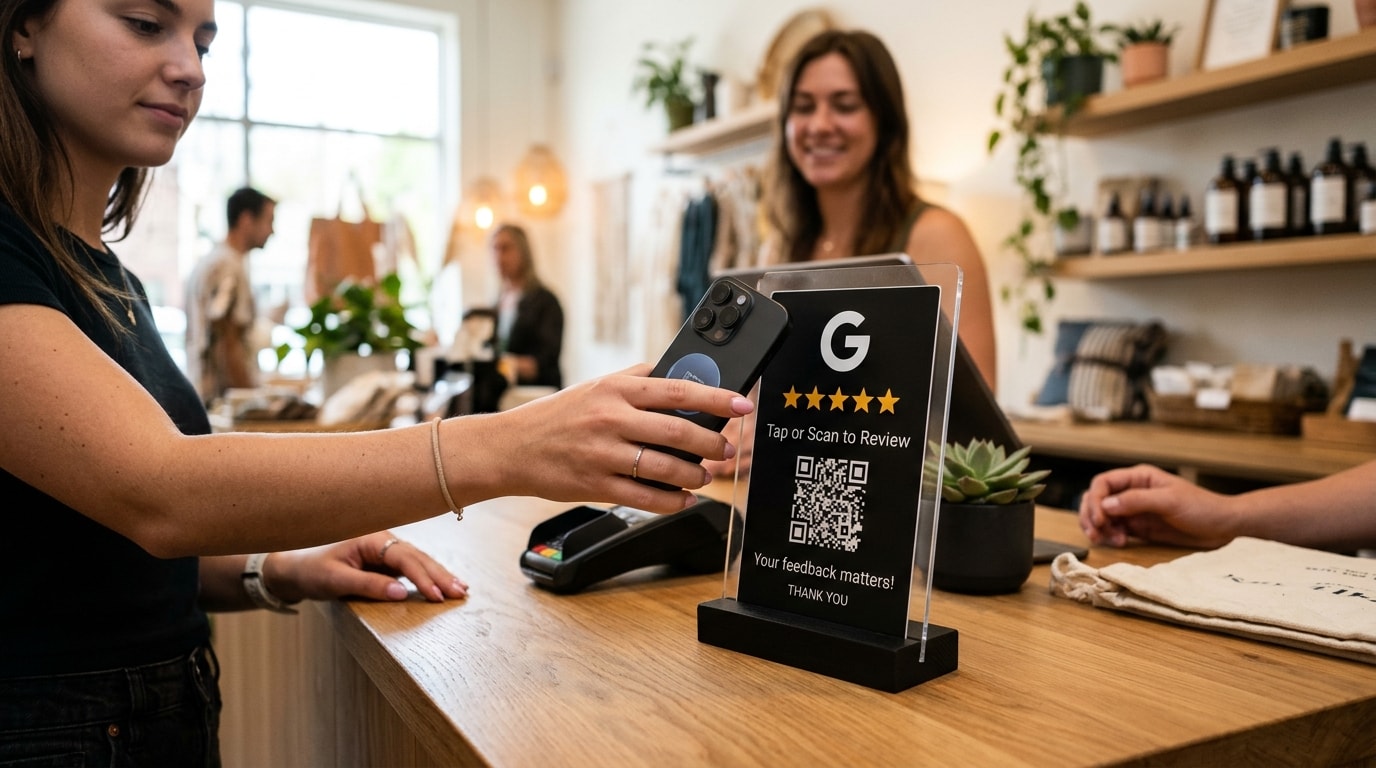
Key takeaway: To get more Google reviews for an auto repair shop: Send automated SMS requests 30 to 60 minutes after vehicle pickup, place countertop QR codes at your service desk, respond to every review within 24 hours, and route repair estimate disputes to private feedback channels.
Few industries require as much consumer trust as auto repair. When a driver's check engine light turns on or their brakes grind, over 93% turn to Google Maps to find an honest mechanic nearby. Having a high volume of recent, positive Google reviews is the single greatest factor in winning high-ticket repair jobs over franchise dealership service centers.
1. The 30-to-60 Minute Post-Pickup Window
Timing your review request is critical. For broader cross-industry strategies, consult our operational guide on how to get more Google reviews. Asking before vehicle pickup feels premature, while waiting two days results in low response rates. The highest converting window is 30 to 60 minutes after invoice payment, when the customer is driving home and feeling the immediate relief of a quiet, smooth ride.
2. 3 High-Converting SMS Templates for Mechanics
Text messages boast a 98% open rate. Setting up automated SMS and email review requests eliminates manual friction. Use these compliant, field-tested review request scripts:
Routine Maintenance (Oil / Brakes / Tires): "Hi [Name], thanks for choosing [Shop Name] for your [Vehicle Model] today! How is everything driving? If you have 30 seconds, please share your experience on Google: [Link] - Thanks, [Owner/Advisor]!"
Major Repair / Diagnostics: "Hi [Name], Jason from [Shop Name]. Glad we got your [Vehicle Model] back in top shape! Your feedback keeps our independent shop running strong. Would you mind leaving us a quick Google review? [Link]"
Fleet & Commercial Accounts: "Hi [Name], appreciate you trusting [Shop Name] with your fleet maintenance. If our crew took great care of you, a quick Google review helps other local businesses find us: [Link]"
3. Countertop QR Codes on Invoices & Key Tags
Complement text messages with physical touchpoints throughout the repair experience:
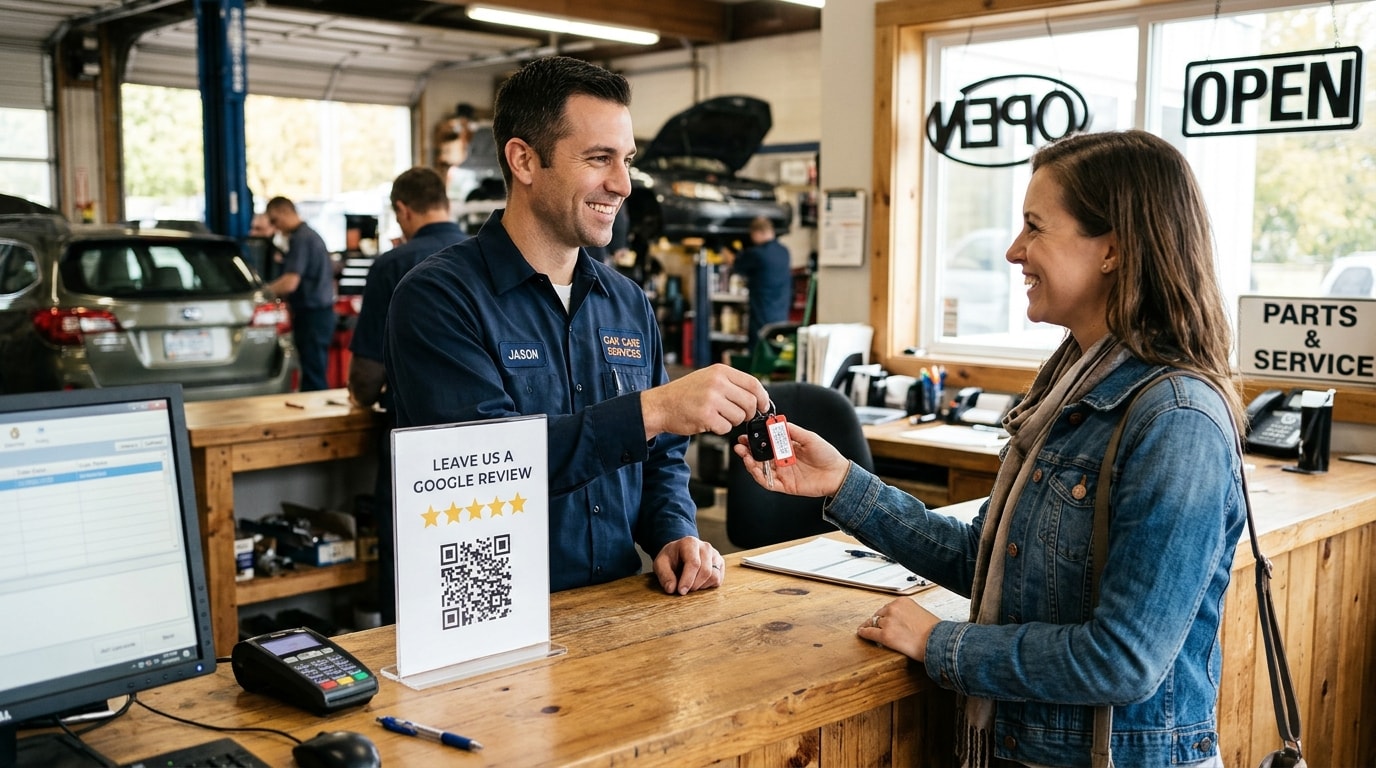
- **Service Desk Acrylic Stands:** Place an eye-level QR code stand right next to the credit card terminal where customers sign for vehicle release.
- **Key Ring Tag Attachments:** Attach a small card stock tag to the customer's keys saying 'Love how your car drives? Scan to review us on Google.'
- **Printed Work Order Invoices:** Print a bold QR code in the invoice footer above the mechanic's notes.
Comparison: Manual Review Follow-Up vs Zyene Reviews
| Feature | Manual Staff Asking | Generic SMS Tool | Zyene Automotive Flow |
|---|---|---|---|
| Request Automation | Manual (Forgotten when busy) | Basic Schedule | Automated POS/Webhook trigger |
| Estimate Dispute Protection | None (Direct to Google) | None (Public) | Negative Feedback Shield (Private) |
| AI Review Responses | Manual writing | None | Owner-tone AI auto-drafts |
| Competitor Benchmarking | Manual checking | None | Real-time local shop tracking |
4. De-Escalating Estimate & Diagnostic Complaints
Auto repair shops frequently face negative feedback rooted in invoice misunderstandings or diagnostic charges. Never argue warranty terms publicly or fall into common AI review reply mistakes. Instead, use the 3-step de-escalation rule:
- **Acknowledge and Validate:** 'We understand how stressful unexpected vehicle repairs can be.'
- **Clarify Standards Without Arguing:** 'We inspect every vehicle to strict safety standards before releasing it.'
- **Move to Private Channels:** 'Please call Mike, our shop owner, directly at [Phone] so we can review your line-item invoice together.'
Automate Your Auto Repair Reviews on Autopilot
Your mechanics should be focused on fixing cars, not chasing down reviews. Zyene Reviews integrates with your shop management workflows to automatically request reviews, protect your rating from repair misunderstandings, and turn satisfied drivers into lifelong customers.
Start Growing Your Auto Repair Reviews Free →
Get Started