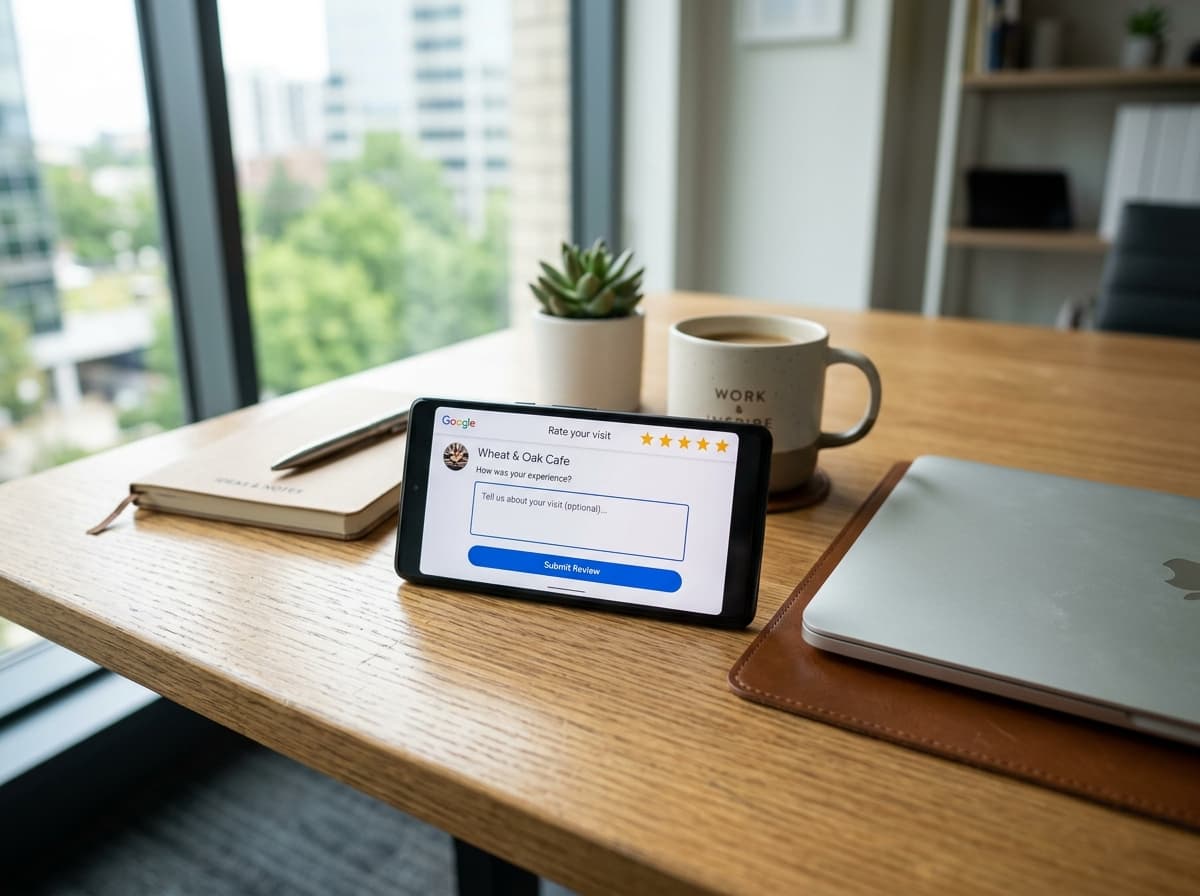
Key takeaway: Short answer: The highest-converting way to ask for a Google review is a short, personalized SMS sent 1 to 2 hours after service completion with a direct link. For US businesses, messages must comply with TCPA and carrier 10DLC rules (clear business identity and 'Reply STOP to opt out'). Pairing frictionless text requests with email follow-ups consistently yields 30% to 40% completion rates.
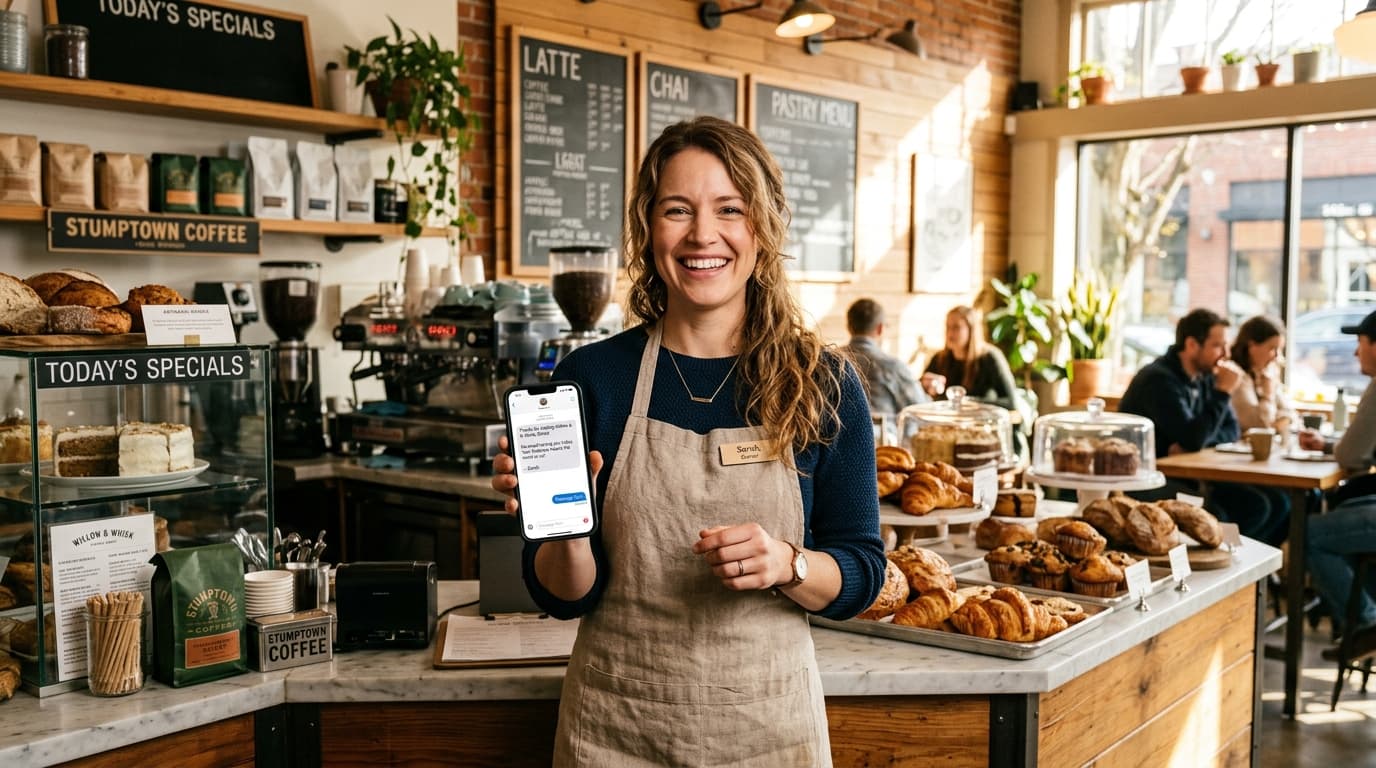
Every local business owner in the United States knows that Google reviews drive the Local Map Pack. When an American homeowner searches for 'plumber near me', 'dentist in Austin', or 'best auto body shop', the top three map listings capture over 60% of all phone calls and clicks.
Yet most business owners struggle with review collection for two simple reasons: they ask in person when the customer is busy, or they send generic email receipts days later that sit unopened in spam folders. The businesses dominating local search use systematic, automated text and email cadences.
Why SMS Crushes Email for US Local Review Collection
In the United States, text messaging is the single most responsive communication channel available to small businesses. While marketing emails average open rates of 18% to 22%, SMS messages boast open rates above 98%, with over 90% read within the first three minutes of delivery.
| Channel Metric | SMS Text Message | Email Follow-Up |
|---|---|---|
| Average Open Rate | 98% | 21.5% |
| Time to Open | Under 3 minutes | 6 to 24 hours |
| Review Link Click Rate | 28% – 42% | 4% – 8% |
| Friction Level | Instant (opens Maps app directly) | High (requires login or redirect) |
| Best For | Home services, auto, dining, salons | B2B, corporate legal, detailed receipts |
The 3 US Compliance Rules Every Business Must Know
Before sending automated text messages to American consumers, business owners must understand federal regulations. Ignorance of carrier and FCC rules can lead to blocked phone numbers and severe fines.
- 1. TCPA Prior Express Consent: Under the Telephone Consumer Protection Act, you must obtain consent before sending commercial text messages. When a customer provides their phone number during intake, booking, or at checkout, ensure your terms disclose that transactional and feedback messages may be sent.
- 2. 10DLC Carrier Registration & Opt-Outs: Major US carriers (AT&T, Verizon, T-Mobile) require all business texting numbers to be registered under the 10DLC standard. Every review request SMS must clearly state your business name and include an opt-out instruction, such as 'Reply STOP to opt out'.
- 3. FTC Truth in Advertising & Anti-Gating: The Federal Trade Commission strictly bans paying for reviews or offering discounts in exchange for 5-star ratings. Furthermore, review gating—blocking dissatisfied customers from leaving public reviews while funneling happy customers to Google—violates FTC rules. Zyene Reviews' Negative Feedback Shield remains fully compliant by giving all customers an open, transparent choice.
15 Copy-Paste Review Request Templates for US Businesses
These copy-paste templates are battle-tested across thousands of campaigns. Customize the bracketed text with your business details and insert your direct Google review shortlink.
Home Services & Contractors (HVAC, Plumbing, Roofing, Electrical)
- Template 1 (SMS - Same Day): 'Hi [Customer Name], thanks for choosing [Business Name] today! Our tech [Tech Name] loved helping you with your [service]. Could you take 30 seconds to share your experience on Google? It means the world to our local crew: [Link] Reply STOP to opt out.'
- Template 2 (SMS - Follow-Up 48h): 'Hey [Customer Name], just checking in to make sure everything is running smoothly with your [service]. If you have a quick moment, leaving us a Google review helps other homeowners in [City] find our team: [Link] Reply STOP to opt out.'
- Template 3 (Email - Formal Invoice): 'Subject: Thank you from [Business Name] — How did we do?\n\nHi [Customer Name], thank you for trusting our team with your recent [service]. We take pride in delivering honest, dependable work to families across [City]. If you were happy with the job, would you mind leaving us a quick Google review? Your feedback helps our family-owned business grow: [Review Button Link]'
Healthcare, Dental & Medical Aesthetics (HIPAA-Safe)
Important: For medical, dental, and aesthetic practices, never reference medical diagnoses, procedures, or protected health information (PHI) in text messages.
- Template 4 (SMS - Post-Visit): 'Hi [Patient Name], thank you for visiting [Clinic Name] today! Dr. [Doctor Name] and our team strive to make every visit as comfortable as possible. Would you share your feedback with our team on Google? [Link] Reply STOP to opt out.'
- Template 5 (SMS - Hygienist/Dental): 'Hi [Patient Name], thanks for coming in to see us at [Practice Name]. We hope you had a great experience with our team! If you have a minute, we would love your review on Google: [Link] Reply STOP to opt out.'
- Template 6 (Email - Patient Care Follow-up): 'Subject: Your visit with [Practice Name]\n\nDear [Patient Name], thank you for choosing our practice. Patient comfort and compassionate care are our highest priorities. If our team provided great care during your visit, please consider leaving a Google review to help other patients in [City] choose our office: [Review Link]'
Auto Repair, Body Shops & Detailing
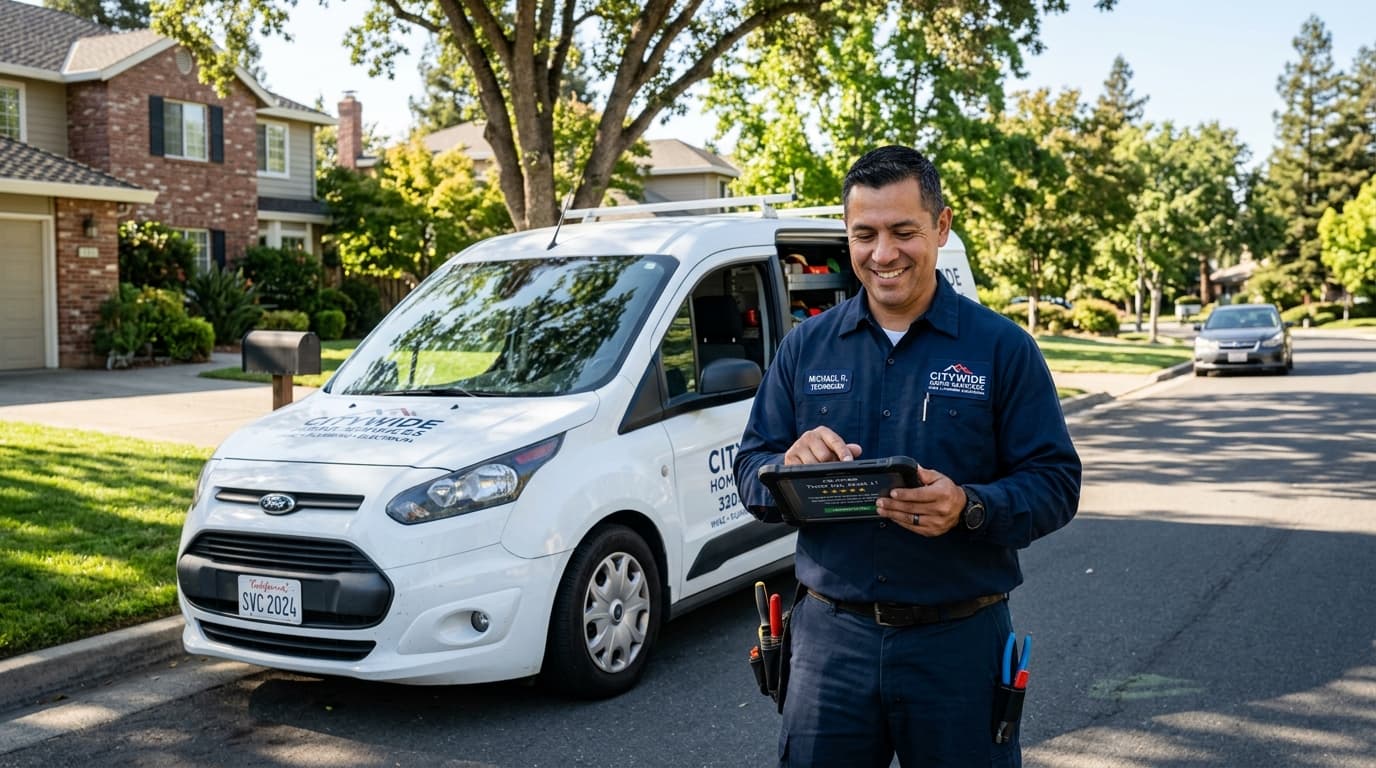
- Template 7 (SMS - Post-Pickup): 'Hey [Customer Name], thanks for trusting [Shop Name] with your [Car Make/Model] today! We hope she is running like new. Could you take 20 seconds to drop us a Google review? It helps our local mechanics immensely: [Link] Reply STOP to opt out.'
- Template 8 (SMS - Inspection/Tire Service): 'Hi [Customer Name], thank you for stopping by [Shop Name]! If you were pleased with our fast service, please leave us a quick rating on Google: [Link] Safe travels! Reply STOP to opt out.'
- Template 9 (Email - Detailed Work Order): 'Subject: Your vehicle repair summary from [Shop Name]\n\nHi [Customer Name], thank you for choosing [Shop Name]. Our ASE-certified technicians completed work on your vehicle today. As an independent neighborhood shop, online reviews keep our service bays full. Please share your experience on our Google profile: [Review Link]'
Salons, Spas & Wellness Studios
- Template 10 (SMS - Stylist Mention): 'Hi [Client Name]! We hope you love your new look from [Stylist Name] at [Salon Name]! If you have a quick moment, sharing a Google review helps our independent stylists grow: [Link] Reply STOP to opt out.'
- Template 11 (SMS - Spa/Massage): 'Hi [Client Name], thank you for unwinding with us today at [Spa Name]. We hope you are feeling refreshed! If you enjoyed your treatment, please leave us a short Google review: [Link] Reply STOP to opt out.'
- Template 12 (Email - VIP Client Thank You): 'Subject: Thank you for visiting [Salon Name]!\n\nHi [Client Name], our team loved seeing you today! Word-of-mouth is everything to our salon family. If you had a wonderful appointment, would you consider writing a review on Google? You can even mention your favorite stylist: [Review Link]'
Restaurants, Cafes & Hospitality
- Template 13 (SMS - Evening Post-Dine): 'Thanks for dining with us at [Restaurant Name] tonight, [Customer Name]! Hope you loved the [dish/food]. Could you share a quick review on Google to help fellow foodies find us? [Link] Reply STOP to opt out.'
- Template 14 (Email - Catering & Private Events): 'Subject: Thank you for choosing [Restaurant Name] catering\n\nHi [Customer Name], thank you for letting us cater your event! We hope your guests thoroughly enjoyed the food and service. Could you take 60 seconds to share your feedback on our Google profile? [Review Link]'
- Template 15 (SMS - Takeout/Delivery): 'Hi [Customer Name], thanks for ordering from [Restaurant Name]! We hope your meal hit the spot. If you loved it, please drop us a quick 5-star Google review here: [Link] Reply STOP to opt out.'
Timing & Cadence: When to Hit Send in US Time Zones
The exact hour you send review requests significantly impacts your completion rate. Here is the data-backed send schedule across major US industries:
| Industry Vertical | First Request Window | Follow-up Window | Optimal Time of Day |
|---|---|---|---|
| Home Services (HVAC/Plumbing) | 1 to 2 hours post-job | 48 hours later (SMS or email) | 10:00 AM – 3:00 PM local |
| Auto Repair & Maintenance | 2 hours after vehicle pickup | 3 days later | 2:00 PM – 5:00 PM local |
| Dental & Medical Clinics | 3 to 4 hours post-appointment | 5 days later (email) | 11:00 AM – 1:00 PM local |
| Salons & Wellness | 2 hours post-styling | None needed | 1:00 PM – 4:00 PM local |
| Restaurants & Dining | Evening of visit (7:00–8:30 PM) | None needed | 7:00 PM – 8:30 PM local |
The 4 Mistakes That Kill Review Conversion Rates
- Sending Generic Long URLs: Never paste raw Google Maps links that stretch across three lines. Always use direct, clean shortlinks that launch the review dialog immediately.
- Waiting Days to Ask: For every 24 hours that pass after service delivery, customer willingness to leave a review drops by over 30%.
- Omitting Business Identity: If the text comes from an unknown phone number without your business name clearly stated in the first sentence, US consumers instinctively flag it as spam.
- Sending Bulk Unsegmented Blasts: Sending 300 review requests simultaneously triggers carrier spam throttling and Google algorithm velocity quarantines.
How Zyene Reviews Automates Compliant Review Growth
Zyene Reviews is built specifically for US local businesses and agencies to automate review collection without manual friction or compliance headaches.
- Full 10DLC Carrier Registration: Automated brand and campaign vetting with major US mobile networks to ensure maximum message delivery rates.
- Negative Feedback Shield: Connects customers to private resolution when they experience an issue, protecting your public Google star rating while remaining 100% FTC-compliant.
- Intelligent Drip Cadence: Distributes review requests evenly throughout the week to maintain natural review velocity that boosts your Google Local 3-Pack rank.
- AI Review Replies: Drafts context-aware, keyword-optimized responses to every incoming review across Google, Facebook, and Yelp.
Try Zyene Reviews Free for 7 Days
Get Started