Key takeaway: Direct Answer: To fix a suspended Google Business Profile in 2026, never submit an appeal immediately. First, audit and align your listing details (business name, physical address, phone, category) to strictly match your official legal documents. Next, assemble proof: government business registration, a utility bill matching your address, and storefront photos with permanent signage. Finally, submit your appeal through Google's official Business Profile Appeals Tool.
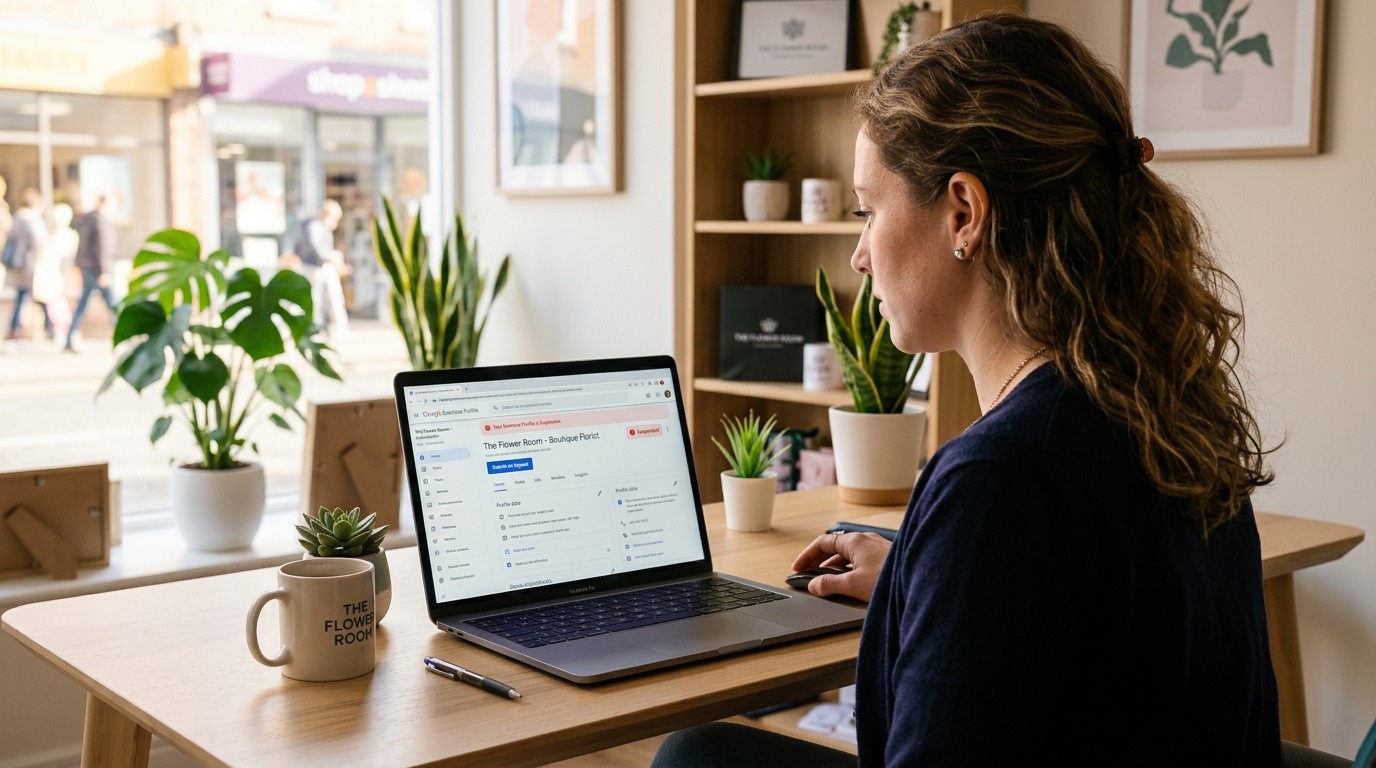
Waking up to a 'Suspended' badge on your Google Business Profile is a terrifying shock for any local business owner. Overnight, your primary source of inbound calls, customer directions, and five-star reviews vanishes from Google Maps. While the instinct is to panic and repeatedly click the appeal button, hasty submissions without correcting underlying policy violations guarantee rejection.
1. Diagnosing Your Suspension: Soft vs. Hard Suspension
| Suspension Type | Public Map Visibility | Dashboard Status | Primary Remedy |
|---|---|---|---|
| Soft Suspension | Listing visible on Maps, marked 'Unverified' | Owner permissions revoked or read-only | Re-verification via mail, phone, or live video |
| Hard Suspension | Listing completely removed from Search & Maps | 'Suspended for deceptive content or policy violation' | Formal appeal via Google Appeals Tool with legal proof |
2. Common Triggers That Cause Google Suspensions in 2026
- **Keyword Stuffing in Business Name:** Adding modifiers like 'Denver Emergency Plumber 24/7' instead of your registered LLC name violates Google's naming guidelines.
- **Unstaffed Virtual Offices & UPS Stores:** Registering commercial P.O. boxes, shared co-working desks, or unstaffed executive suites triggers immediate algorithmic removal.
- **Sudden Address or Category Changes:** Editing your primary business address or changing primary categories triggers automated fraud flags requiring re-verification.
- **Service Area Business (SAB) Address Exposure:** Displaying a residential home address for a mobile contractor business violates Google guidelines; SABs must hide their physical address.
3. The Pre-Appeal Audit: Clean Your Data Before Appealing
Google provides only one primary appeal submission per suspension. If you submit an appeal while your profile still contains policy infractions, manual reviewers will deny reinstatement. Strip all non-branded keywords from your business title, ensure your website URL links to an active domain with consistent NAP data, and verify operating hours match reality.
4. Assembling Bulletproof Reinstatement Evidence
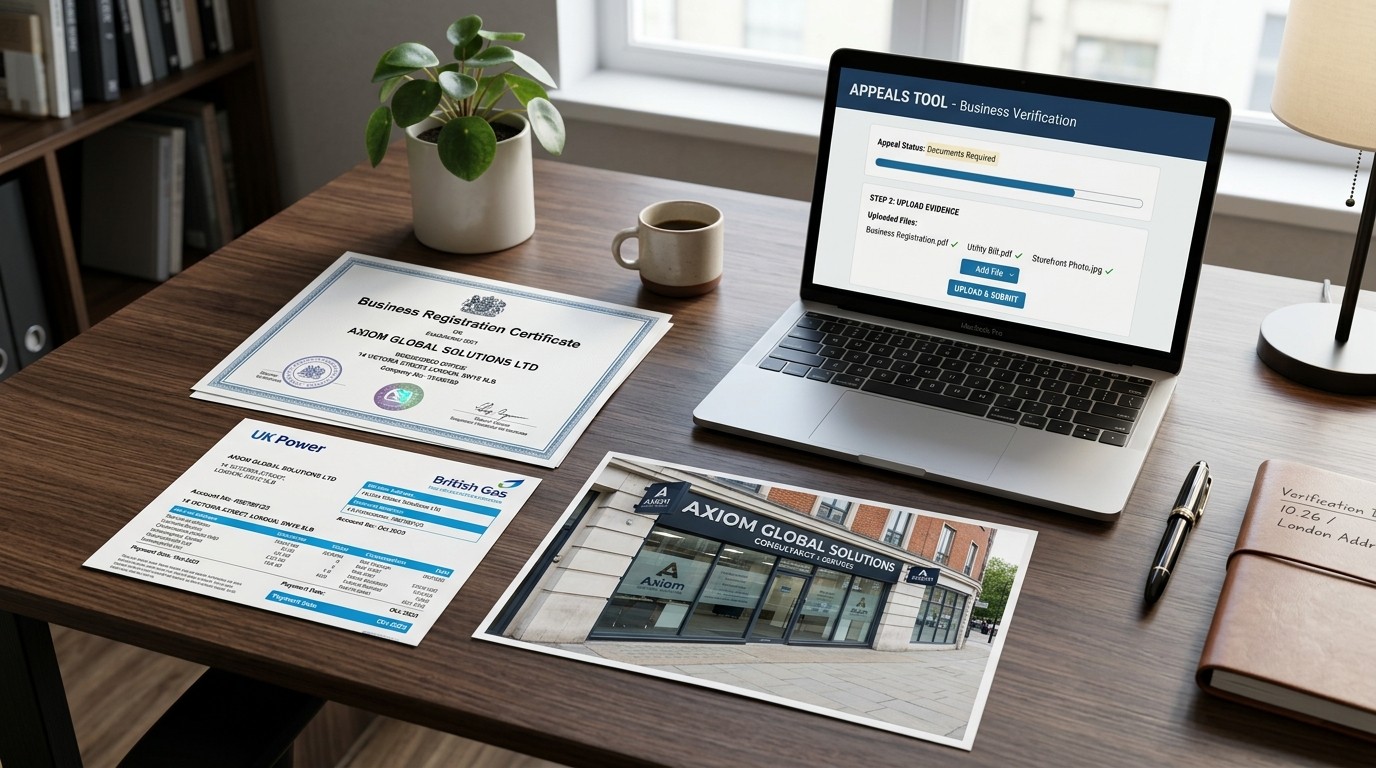
Google's European and global moderation teams require undeniable evidence of physical operations. Before opening the Appeals Tool, compile a single consolidated PDF containing: (1) Official state or municipal business registration certificate; (2) A utility bill (water, gas, electric, or internet) issued within 60 days showing matching business name and address; (3) High-resolution exterior photos of your building showing permanent, non-vinyl signage; and (4) Commercial lease agreement or deed.
5. Step-by-Step Reinstatement Through the Google Appeals Tool
Navigate to the official Google Business Profile Appeals Tool. Select your suspended profile, review the violation category, and click 'Submit an Appeal'. Once initiated, Google grants a strict 60-minute window to upload your consolidated evidence package. State clearly in your submission that you have conducted a comprehensive profile audit, aligned your business name to state records, and attached official operational proof.
6. Navigating Google Video Verification in 2026
Increasingly, Google demands a live or pre-recorded video verification to finalize reinstatement. The video must be captured in one continuous unedited take demonstrating three pillars: (1) Location context showing street signs and exterior building numbers; (2) Business operations showing branded work vehicles, permanent entrance signage, and unlocking the suite door; and (3) Proof of management showing access to the POS system, business stationery, or inventory room.
Post-Reinstatement: Protecting Your Hard-Earned Reputation
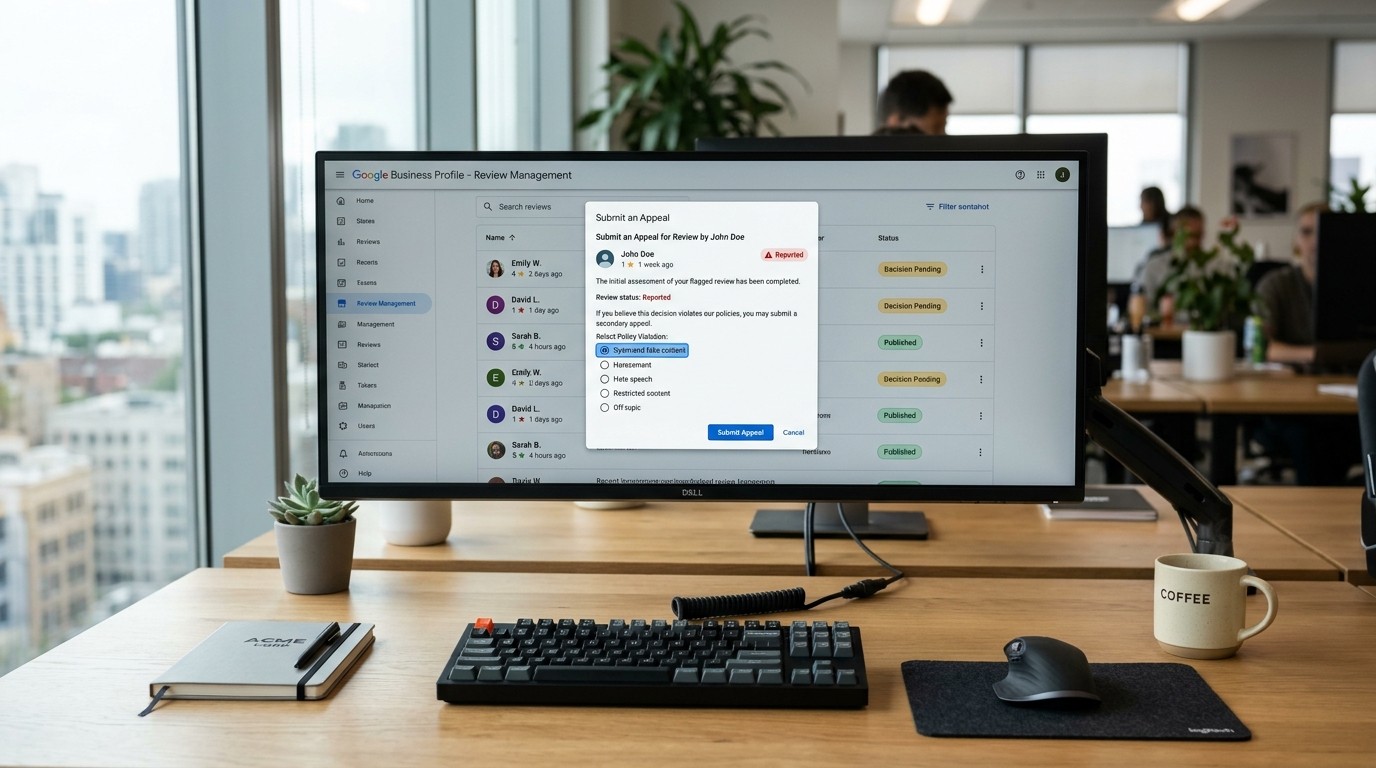
Once reinstated, avoid making major profile edits for at least 30 days. Maintain steady review acquisition to re-establish trust signals with Google's local ranking algorithms. Automating review requests through Zyene Reviews ensures a consistent flow of verified customer reviews that solidify your prominence on Google Maps.
Build a Bulletproof Local Reputation with Zyene →
Get Started