Key takeaway: Direct Answer: To reply to a Google review, sign into the Google account managing your Google Business Profile, search your business name on Google or Google Maps, click 'Read reviews', find the specific comment, and click 'Reply'. Structure your response by thanking the reviewer by name, referencing the specific service provided, highlighting your business standards, and offering an offline contact method for unresolved grievances.
When a customer leaves feedback on your Google Business Profile, your public response is read by hundreds of prospective buyers evaluating your professionalism. Google confirms that replying to reviews improves your local prominence, making a consistent response protocol one of the highest-ROI reputation practices available to local business owners.
1. How to Reply to a Google Review: Step-by-Step
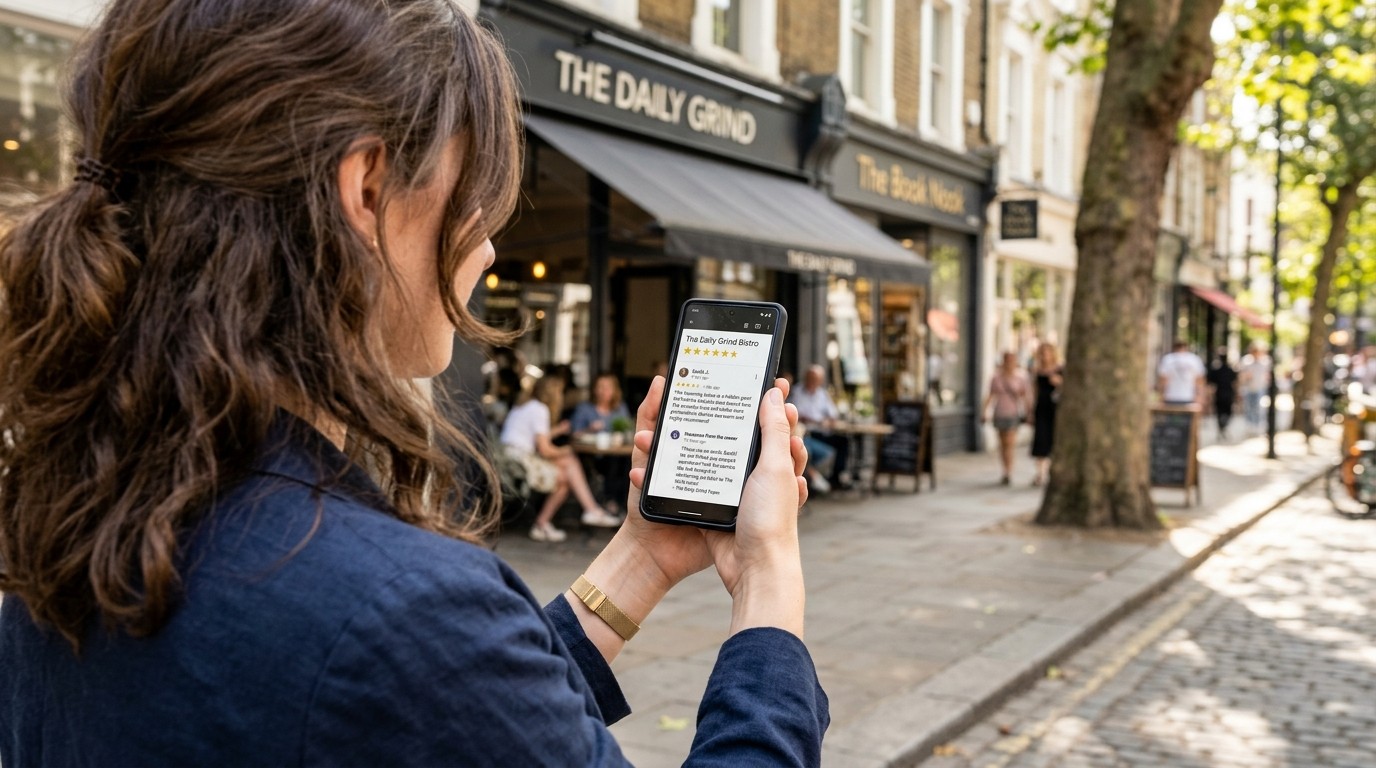
Replying to customer feedback takes less than 60 seconds once you know where to navigate. On desktop, search your exact business name on Google while logged into your manager account to access the direct in-search management panel. Click 'Reviews', scroll to the customer's comment, and select 'Reply'. On mobile, open Google Maps, tap your profile avatar, select 'Your Business Profiles', tap 'Reviews', and reply directly from your smartphone.

2. The 4-Part Response Anatomy for Every Review Type
| Component | Positive Review Purpose | Negative Review Purpose | Sample Phrasing |
|---|---|---|---|
| 1. Salutation | Warm, personal greeting | Calm, professional acknowledgement | 'Hi [Name], thank you for sharing your feedback.' |
| 2. Specific Detail | Reinforce service or product | Acknowledge the core inconvenience | 'We are glad our technician arrived on time for your AC tune-up.' |
| 3. Value Statement | Reaffirm brand standards | State your commitment to quality | 'Our team strives to provide seamless 5-star service on every visit.' |
| 4. Next Step | Welcome them back | Direct offline contact channel | 'Please reach out to me directly at owner@business.com so we can make this right.' |
3. Replying to Positive (5-Star) Reviews: Formulas & Templates
Never respond to a glowing review with a lifeless 'Thanks for the review!' Instead, personalize each reply by mentioning specific products, technicians, or dishes mentioned by the customer. Naturally incorporating your primary service categories and neighborhood references reinforces semantic relevance for Google Maps without keyword stuffing.
4. Replying to Negative (1-Star & 2-Star) Reviews: De-Escalation Protocol
Negative reviews trigger understandable defensiveness, but public arguments repel future customers. Your audience is not the angry reviewer—it is the 100 prospective clients deciding whether you are trustworthy. Acknowledge the disappointment, apologize for the friction without admitting liability, and immediately move the conversation offline by providing a senior manager's direct phone number or email.
5. Does Replying to Reviews Actually Help Local SEO?
Yes. Google's official local ranking guidance lists owner responsiveness as a core factor supporting business prominence. Actively replying to 100% of your incoming reviews increases your listing's engagement velocity, signals algorithmic freshness, and ensures your profile is prioritized in conversational AI answer engines like ChatGPT Search and Google Gemini.
6. Scaling Response Quality with AI Review Generators
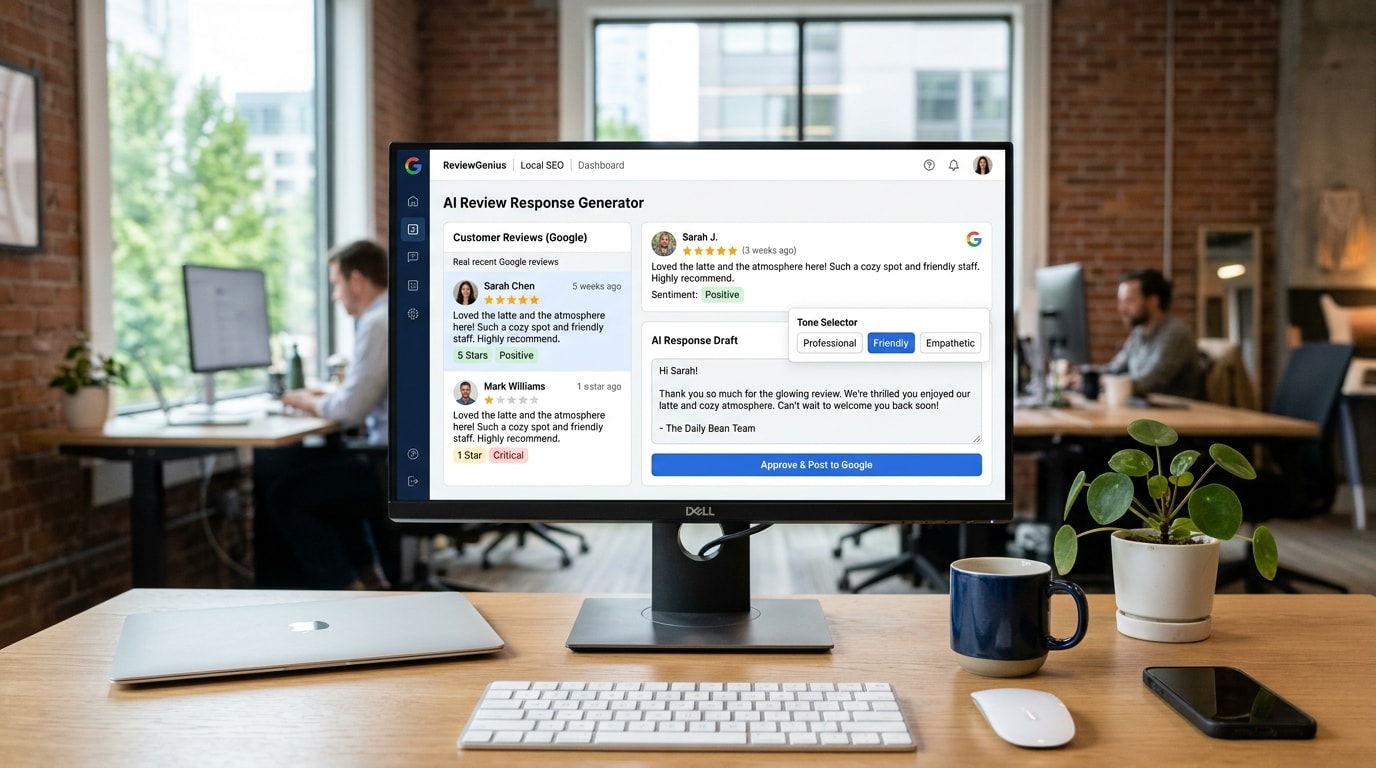
For busy business owners, drafting custom replies for dozens of weekly reviews becomes an operational bottleneck. Modern reputation software like Zyene Reviews connects to your Google profile to generate tone-adapted AI response drafts in seconds. Business owners retain final editorial approval, ensuring every reply matches brand voice while achieving a 100% response rate.
Common Google Review Response Mistakes to Avoid
- **Copy-Pasting Canned Templates:** Prospective customers easily spot identical robotic responses repeated across your profile.
- **Arguing Facts in Public:** Debating a customer online makes your business appear combative and unaccommodating.
- **Ignoring Neutral 3-Star Reviews:** 3-star reviews often contain the most balanced customer feedback; engaging them demonstrates accountability.
- **Violating Privacy and HIPAA Laws:** Never confirm a patient's treatment or customer's private account records in a public response.
Automate Your Google Review Replies with Zyene →
Get Started